
What an Alachua County Court Docket Is
A docket, sometimes called a progress docket, tracks a case from start to finish. Florida's Rule of General Practice and Judicial Administration 2.420 lists the progress docket as part of the court record. It sits beside the court file, the transcripts, and the exhibits held by the Clerk. Each line marks one event. A complaint, a motion, an order, a notice of hearing, or a final judgment each gets its own dated line.
The docket is not the same as the full case file. The docket is the index of events. The file holds the actual documents. In Alachua County, the Clerk keeps both, and the online search can show the docket plus any nonconfidential images. Reading the docket first tells you what happened and when, so you know which document to pull next.
Dockets matter to a lot of different people. A party wants to know the next court date. An attorney checks for a ruling. A reporter follows a high-profile case. A landlord or a creditor confirms a judgment. Each of them reads the same docket, just for a different reason. Because the docket is public for most case types, anyone can look without a login beyond the search gate. There is no fee to view the online docket index.
How to Find Alachua County Court Dockets
Dockets are reached through the Clerk's Court Records search. The entry page is gated by a CAPTCHA. After that, the same form that finds a case also opens its docket. Search by case number for the fastest result, or by party name with a date range. Once a result opens, the docket lists the events in order.
- Open the Clerk's Court Records search and clear the CAPTCHA.
- Enter the case number without the "01" prefix, or a party name.
- Narrow with a filing date range if the list is long.
- Open the matching case to view its progress docket.
- Click a nonconfidential entry to read the linked document.
The search rewards a narrow query. A case number with the right format almost always lands on the case in one try. A common last name without a date range can return a wall of results. So pair the name with a year or a filing date range when you can. If you know the case type, you can add it, but the Clerk warns the case-type dropdown alone lists only 100 records. That makes a name or number the better first move for a docket.
Reading Alachua County Docket Entries
Each docket line follows a pattern. A date sits up front. A short text describes the filing or event. Some lines link to a document image. Read the docket from the top down to follow the case in order. The table maps the common docket fields to what each one shows, based on the Clerk's record structure and Rule 2.420.
| Field | What It Shows |
|---|---|
| Entry Date | The date the filing or court event was recorded. |
| Docket Text | A short description, such as motion, order, or notice. |
| Party | The party who filed, where the entry names one. |
| Document Link | A link to the image, if it is not confidential. |
| Event / Hearing | A scheduled hearing or court date tied to the entry. |
Which Alachua County Courts Publish Dockets
Florida runs a Supreme Court, five District Courts of Appeal, twenty circuit courts, and sixty-seven county courts. Alachua County trial dockets come from the circuit and county courts of the Eighth Judicial Circuit. The Clerk indexes both levels in one system. The state court site lays out this structure.
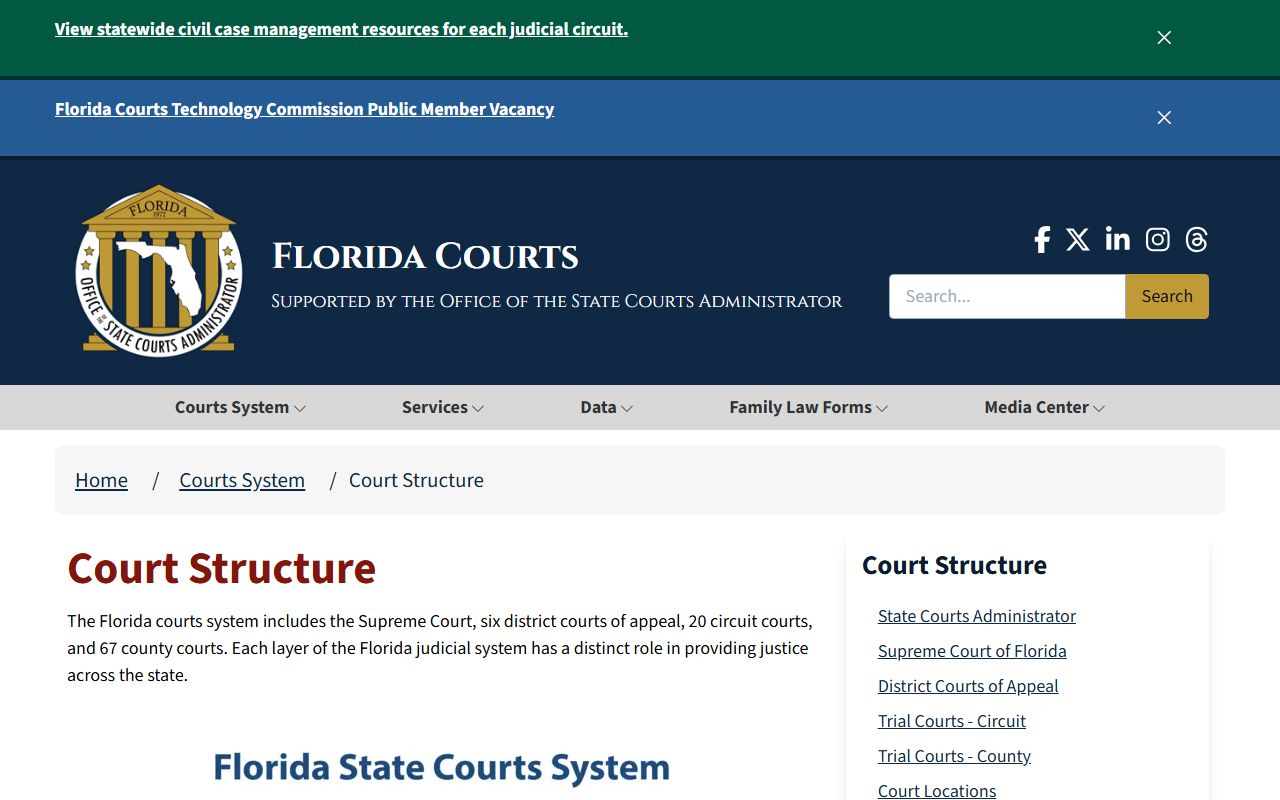
The Florida Courts overview shown above explains the four court levels. Circuit courts carry the broad trial jurisdiction described on the state's circuit-court page.
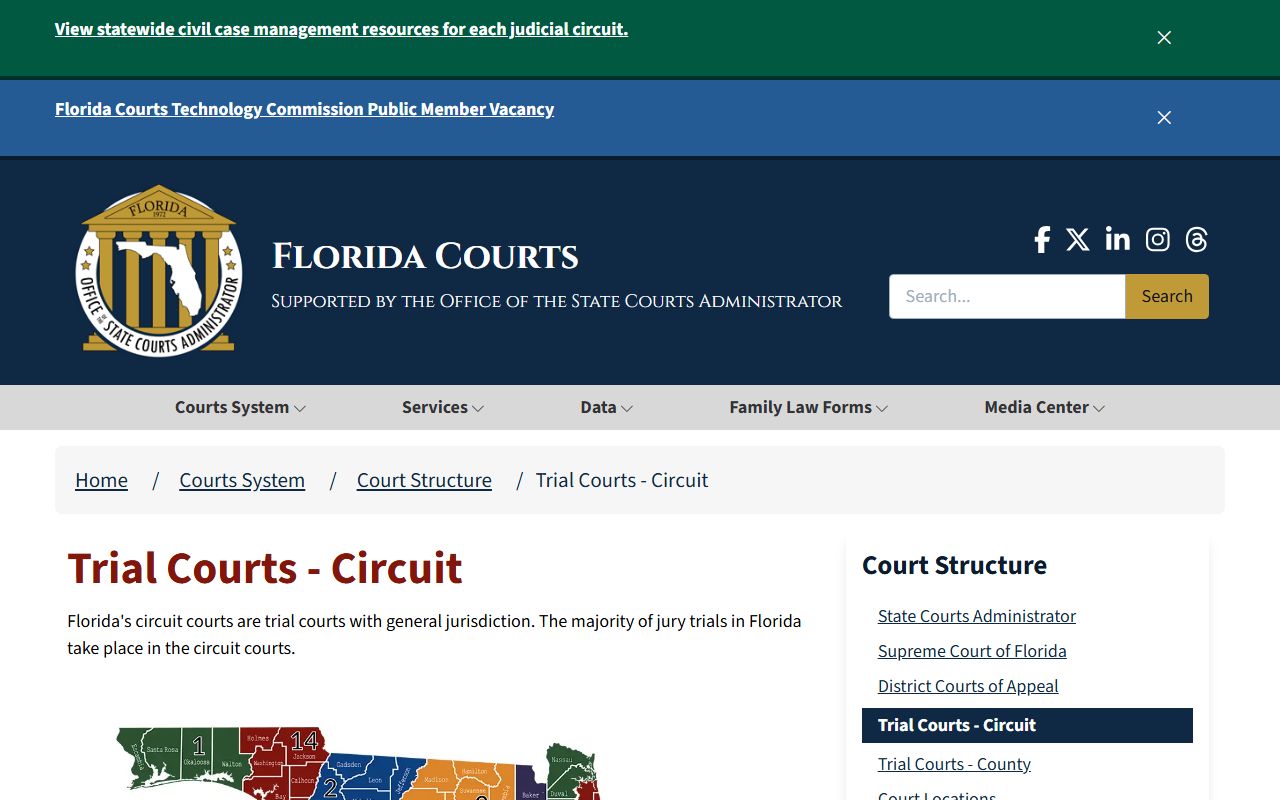
The circuit court page confirms the circuit handles felony, family, probate, and larger civil dockets, while the county court handles the lower-level dockets. The Circuit Court and County Court pages cover each level.
How New Filings Reach the Docket
New filings enter the docket through Florida's e-filing system. Attorneys and many self-represented filers submit documents to the Clerk through the Florida Courts E-Filing Portal. The Clerk then records each filing as a docket entry. Paper filings can also be delivered or mailed to the Clerk at 201 East University Avenue.
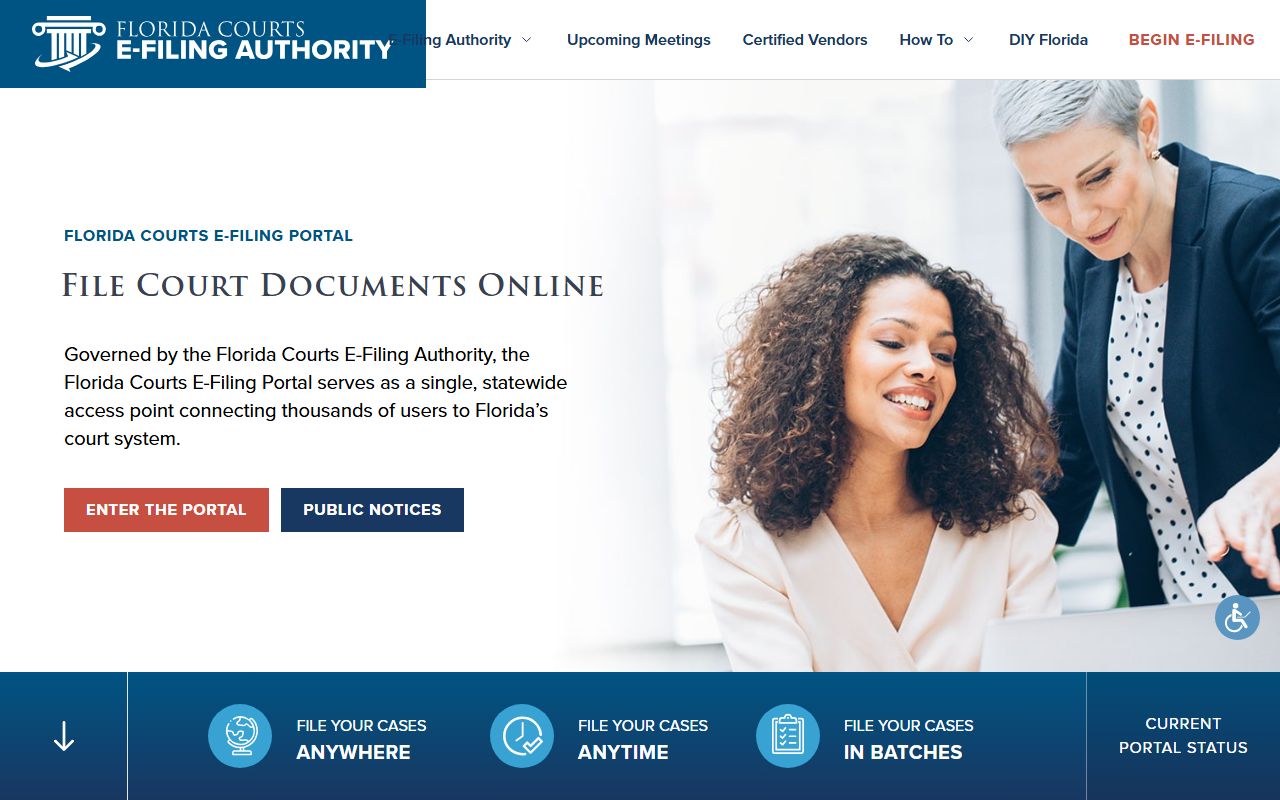
Filings go to the Clerk in person or through the Florida Courts E-Filing Portal shown above. Once recorded, the new entry appears on the case docket, usually after the Clerk processes it. That processing step is why a brand-new filing may not show right away. The Clerk has to accept and index the document before it lands on the public docket. If you filed something and do not see it yet, give it a business day or two, then check again before you call.
Hearing Reminders and e-Notify
Tracking a docket by hand is not the only option. Florida offers e-Notify, a statewide tool for hearing reminders. Attorneys, defendants, and interested citizens can sign up to get reminders for a criminal case by text or email. It is not a docket search, but it pairs well with one for tracking court dates.
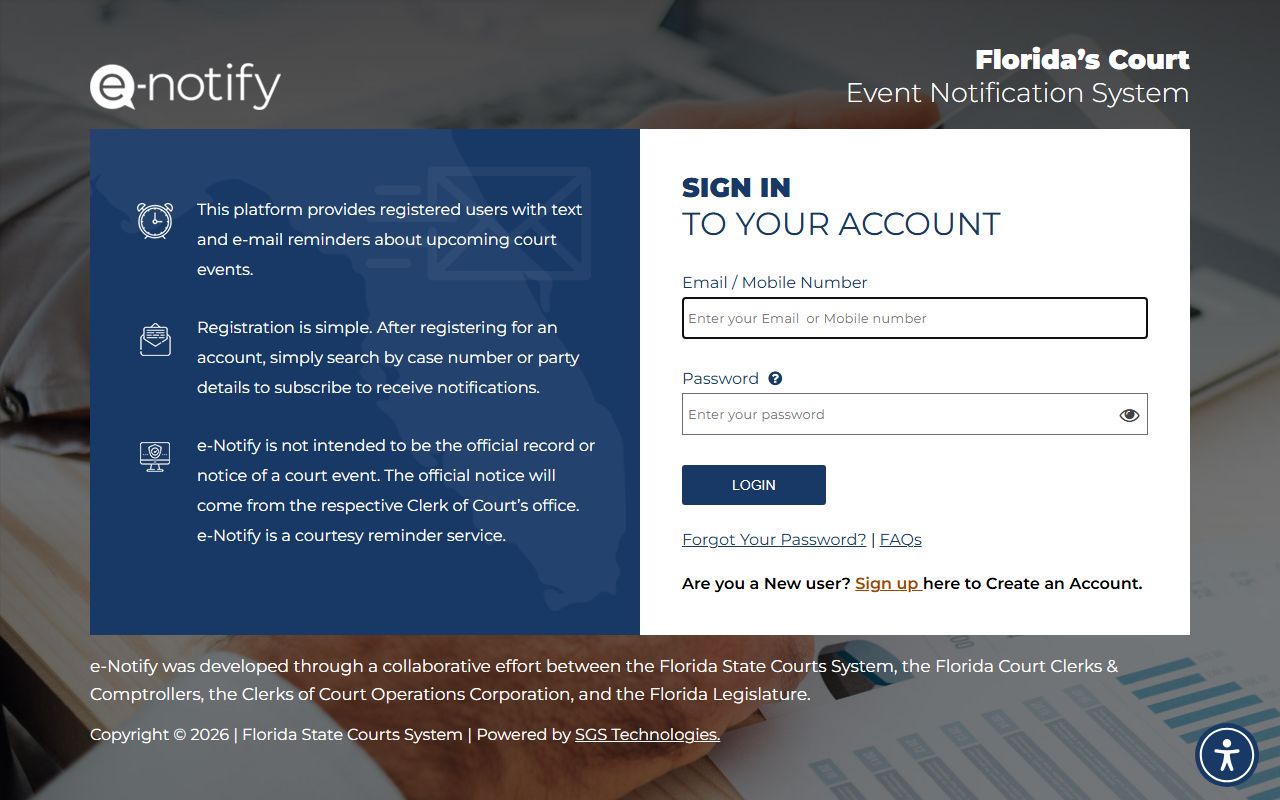
The e-Notify service shown above lets you watch a criminal case without checking the docket every day. The Clerk's courthouse pages note it is available statewide. The reminder comes to your phone or inbox, so a missed hearing is less likely. It does not replace the docket, though. For the full event history, the Clerk's court records search is still the source of record, and e-Notify simply flags the next date.
Date Limits and Older Alachua County Dockets
Online dockets do not reach back forever. Document images start in September 2001 for civil and December 2005 for criminal. The case index reaches back to a case filed July 23, 1928. Older closed dockets may not appear online and may need research at the Records Department. Idle sessions end after 30 minutes, and document pulls cap at 60 per hour.
The case-type dropdown alone lists only 100 records, so a name or case number works better. The court records page details the full search fields and case-type codes that also apply to dockets.
Closed civil cases before 1999, criminal cases before 1990, and civil traffic before March 2006 may not have an online docket at all. For those, the courthouse Records Department at 201 East University Avenue can pull the paper file and its docket. Call ahead with the case number or party name. Staff can confirm whether a docket exists online or only on paper, which saves a wasted trip.
Confidential Docket Entries
Some docket entries show but stay sealed. The Clerk may list a case type and a docket line, yet block the document image. Juvenile dependency and delinquency, adoption, and mental health files are common examples. These follow Florida confidentiality laws and Rule 2.420. A court order can make other entries confidential too.
This split between a visible line and a hidden image confuses many users. The Clerk does it to follow Florida law, not to hide routine activity. A juvenile or adoption matter, for example, may show that a case exists and that filings happened, while the contents stay sealed. If you believe an entry should be open, the path runs through a motion under Rule 2.420, not through the Clerk's front counter. The Clerk cannot decide confidentiality and cannot give legal advice on it.
Note: A visible docket line does not always mean the document is open; some images stay blocked online even when the entry shows.
Dockets vs Full Case Records
It helps to know the difference before you search. A docket is the event index. A case record is the full file. The comparison below sets them side by side.
| Feature | Court Docket | Full Case Record |
|---|---|---|
| What it is | Dated list of events | The complete court file |
| Best for | Tracking activity and hearings | Reading the actual documents |
| Where to find it | Clerk's Court Records search | Same search, then open the images |
| Limits | Some entries sealed | Some images blocked or offline |
Alachua County Docket Glossary
Docket lines use shorthand. A few terms come up across civil and criminal cases in Alachua County. Knowing them helps you read a docket without guessing. The list below covers the common ones.
- Entry
- A single dated line on the docket marking one filing or event.
- Motion
- A request asking the judge to act, often followed later by an order.
- Order
- A judge's ruling, which shows as its own docket line.
- Notice of Hearing
- A line that sets a court date for the case.
- Continuance
- A docket entry showing a court date was moved later.
- Disposition
- The entry that records how the case or a charge ended.